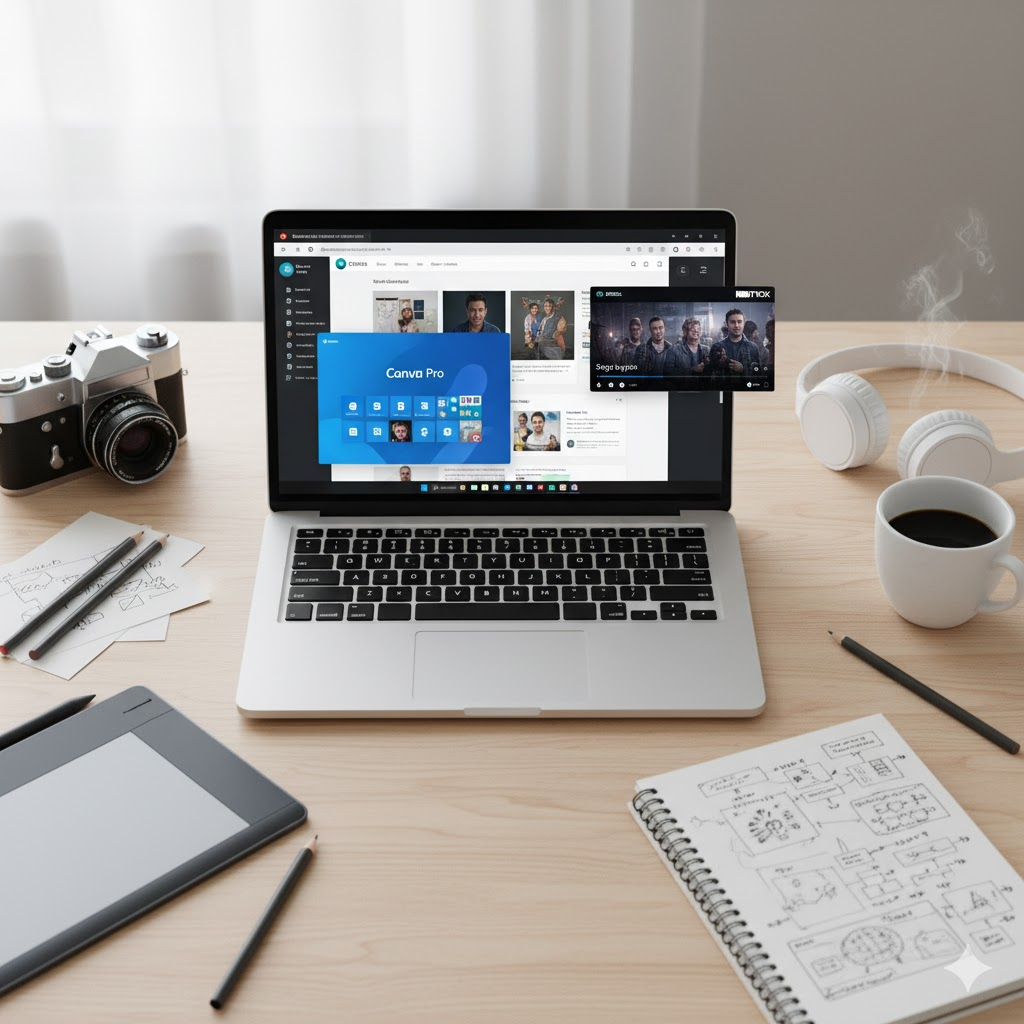

CapCut Pro: Is the Premium Version Worth It?
The 10 key CapCut Pro benefits vs the free version: exclusive effects, 4K export, no watermark and pricing. Find out if it is worth it and how to pay less.
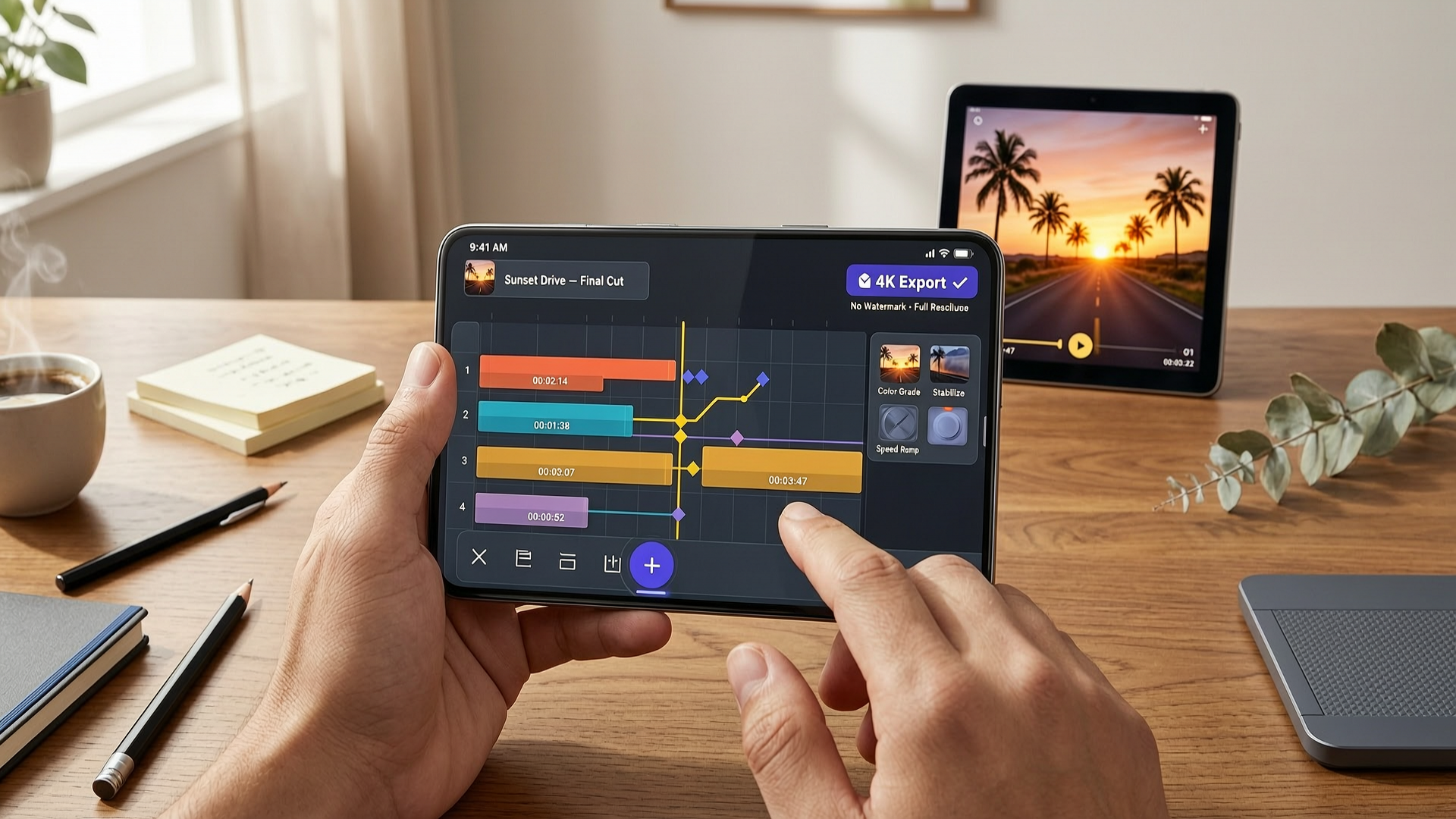
CapCut Pro is an advanced video editing tool that offers professional-level features such as high-resolution export, special effects, and most importantly, no watermarks. Whether you're a professional content creator or a hobbyist, CapCut Pro is a complete solution that lets you turn ideas into high-quality videos with ease.
What is CapCut Pro?
CapCut Pro is the premium version of the popular video editing app CapCut, developed by ByteDance (the company behind TikTok).
While the free version offers an excellent experience for casual users, CapCut Pro takes editing to the next level by offering advanced and exclusive features. Some of the main CapCut Pro features include:
- Advanced editing without watermarks
- Export in resolutions up to 4K
- Access to premium templates and effects, plus AI tools (auto captions, background removal, motion tracking)
- Around 1 TB of cloud storage to work across multiple devices
These features make it an ideal choice for those looking to create high-quality content, whether for social media, professional projects, or personal videos.
CapCut Free vs CapCut Pro: Which Is the Best Option?
While the free version of CapCut is robust and useful for many people, there are key differences between CapCut Free and CapCut Pro. Let's compare both versions:
CapCut Free:
- Basic features: Offers essential editing tools like trimming, adjusting, and applying basic filters.
- Watermarks: If your project uses templates, effects, music, or AI tools marked as Pro, the video exports with a watermark (on mobile even at 1080p). A project built only with free assets exports clean.
- Resolution limitations: The free version allows exporting up to 1080p; 4K, 60 fps, and HDR stay locked until you upgrade to Pro (on mobile there is also a per-video length limit, which varies by region).
CapCut Pro:
- Watermark-free editing: Ideal for content creators who want to keep their videos clean and professional.
- High-resolution export: Export your videos in 1080p, 2K, and 4K at 60 fps, with Smart HDR.
- Access to more creative tools: Includes an expanded library of visual effects, transitions, and royalty-free music.
CapCut Pro is clearly the best option if you want professional results without restrictions. Additionally, if you plan to use your videos on platforms like YouTube or for commercial purposes, watermark removal and high-resolution export options are essential.
Advantages of Using CapCut Pro
1. Intuitive and Easy-to-Use Interface
CapCut Pro offers an interface designed to make editing easy for users of all skill levels. Large buttons and clear menus allow you to quickly find all the tools you need, optimizing your workflow and letting creators focus on their projects.
2. High-Quality Export
With CapCut Pro, you can export your videos in resolutions up to 4K at 60 fps, ensuring the best visual quality. It also exports in MP4 and MOV, the formats most widely accepted by TikTok, YouTube, and Instagram, making it easy to share your creations across various platforms.
3. Exclusive Effects and Transitions Library
CapCut Pro includes a wide range of special effects and transitions that aren't available in the free version. These tools help your videos stand out visually and add a professional touch.
Get CapCut Pro at a group price
Share a premium subscription through ElGrupito and save up to 70%. Check today's price in the catalogue.
See the price on ElGrupitoAdvanced Editing Tools in CapCut Pro
Clip Cutting and Merging
The clip cutting and merging feature lets you make precise edits. You can easily remove unwanted sections and combine multiple clips to create smooth transitions that keep your audience engaged.
Speed Adjustments
With CapCut Pro, you can control the speed of your clips, whether to slow down an important scene or speed up an action sequence. These adjustments are ideal for creating dramatic or comedic effects and are especially useful for slow-motion or time-lapse style videos.
Color Correction
CapCut Pro also includes advanced color correction tools, allowing you to adjust the brightness, contrast, and saturation of your videos. This helps you achieve a more professional look, making every scene look vibrant and well-balanced.
Music and Sound in CapCut Pro
Royalty-Free Music Library
CapCut Pro offers an extensive royalty-free music library, allowing you to add music to your videos without worrying about copyright issues. You can choose from a variety of music genres to match the tone of your video to your message.
Sound Effects
In addition to music, CapCut Pro includes a range of sound effects that can enrich your video, from nature sounds to urban effects. These sounds enhance the narrative and add depth to your creations.
Custom Text and Titles
With CapCut Pro, adding subtitles or titles to your videos is simple and fully customizable. You can choose from a wide variety of fonts, sizes, and colors, and add animated effects to make your text stand out visually.
Cross-Platform Compatibility
Works on Mobile Devices and PC
CapCut Pro is compatible with both mobile devices and PC, allowing you to edit from anywhere. Whether you prefer working on your phone while on the go or finishing a project on your computer, CapCut Pro offers a seamless experience.
Cloud Sync
Thanks to cloud sync, you can start a project on your phone and finish it on your computer without losing any progress. CapCut Pro includes around 1 TB of cloud storage (the free version stopped including free space in August 2024), so your files will always be securely backed up.
Frequent Updates and Ongoing Support
CapCut Pro is a constantly evolving tool, thanks to its frequent updates. These updates not only improve performance but also add new features that allow users to keep innovating in their video projects.
Performance Improvements
Each update improves the app's stability, reducing load times and fixing common bugs to ensure a smooth user experience.
Conclusion
CapCut Pro is the ideal editing tool for those looking for an advanced, accessible, and efficient solution for video creation. With a wide range of professional tools, ease of use, and cross-platform compatibility, CapCut Pro is an unbeatable option for any content creator.
Start transforming your ideas into high-quality videos with CapCut Pro today!
Frequently Asked Questions (FAQs) about CapCut Pro
CapCut Pro is the premium version of the popular video editing app CapCut. It offers advanced tools such as watermark-free editing, high-resolution export, and an expanded library of effects and transitions.
CapCut Pro offers a more advanced editing experience, with tools like 4K export, premium effects and transitions, and cross-platform sync. It also removes the watermarks that appear in the free version.
Yes, CapCut Pro is designed to be easy to use even for beginners. Its intuitive interface allows users to quickly access all essential features.
The cost of CapCut Pro varies by region and platform. In the United States, the Pro plan costs 19.99 USD per month or 179.99 USD per year (about 15 USD per month). The mobile app also offers a cheaper Standard plan at 9.99 USD per month or 89.99 USD per year, which removes the watermark but keeps the 1080p cap and does not include the full AI toolkit. A 7-day free trial is available if you are eligible. The exact price can be checked in the corresponding app store.
If you want to try CapCut Pro without overspending, you can get it at a group price on ElGrupito by sharing a subscription.