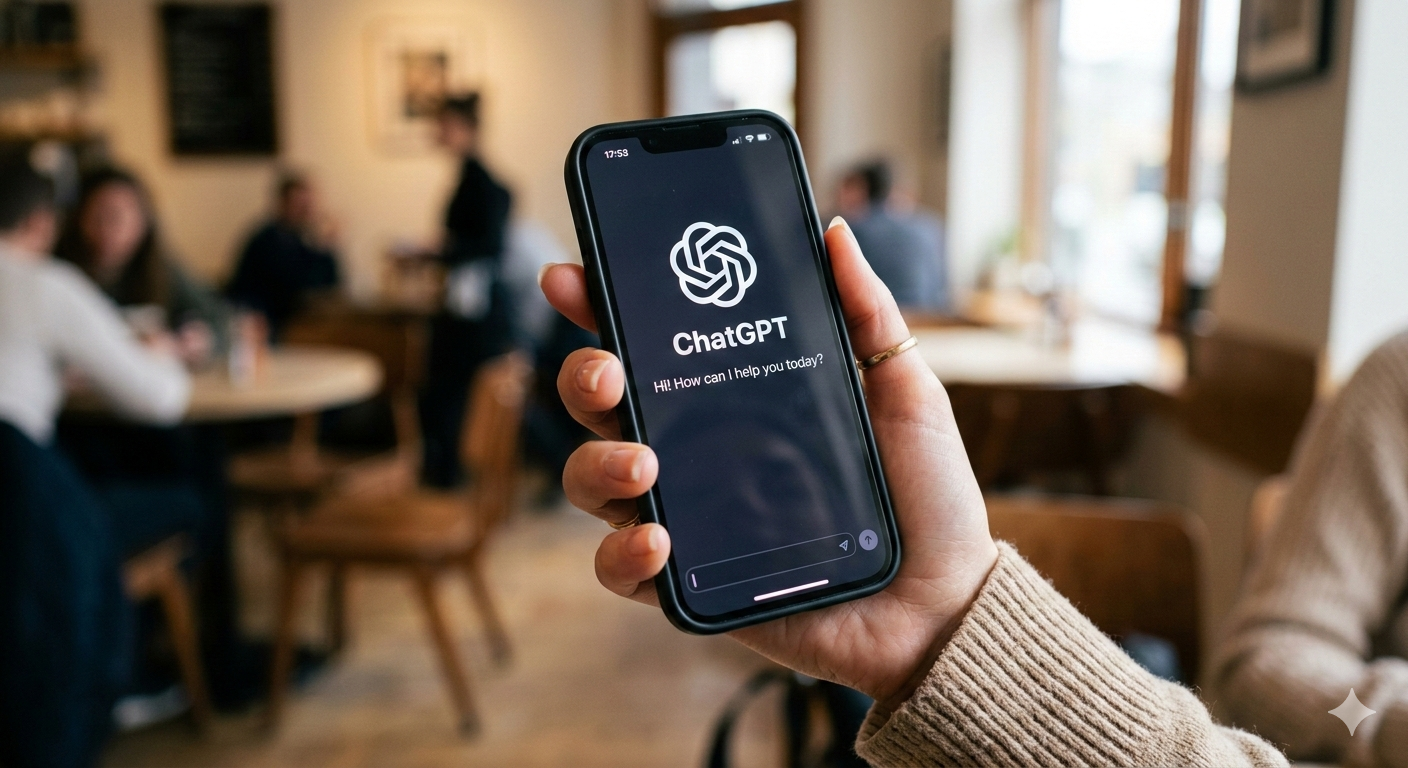

Free ChatGPT: Your 24/7 Multilingual Virtual Assistant
How to use ChatGPT for free: what the free version includes, its limits, advanced voice mode and when paying for ChatGPT Plus makes sense in 2026.
Did you know you can access a multilingual virtual assistant, available 24 hours a day, without spending a dime? We're talking about ChatGPT, and it's as free as the air we breathe! In this article, we'll explore the fascinating world of this artificial intelligence that's revolutionizing our interaction with technology, including its real-time voice mode, which in 2026 is also available on the free version (with limits).
What Is ChatGPT and Why Is It So Popular?
Definition and Basic Functionality
Imagine having a super-intelligent virtual friend who never gets tired of chatting. That's ChatGPT, OpenAI's prodigy that has captured worldwide attention.
This language model uses advanced machine learning techniques that allow it to generate coherent and relevant text. Its ability to understand and respond in multiple languages makes it an invaluable tool for users around the world.
Practical Applications of ChatGPT
ChatGPT is like a digital Swiss army knife. Here are some practical applications:
- Writing assistance: From emails to essays, ChatGPT can help you draft clear and concise texts.
- Language practice: If you want to improve your language skills, this virtual assistant has the patience to chat with you until you master the language.
- Idea generation: Looking for inspiration for a creative project? Free ChatGPT can offer you endless ideas.
Free Access to ChatGPT
You can easily access free ChatGPT through chatgpt.com. This platform allows you to use this artificial intelligence at no cost, ideal for those who want to explore its capabilities without financial commitments. Here's a brief explanation of how to get started:
Steps to Access Free ChatGPT at chatgpt.com
- Visit the website: Open your browser and go to chatgpt.com.
- Create an account: If it's your first time, you'll need to create an account. Click "Sign Up" and follow the instructions to complete the process.
- Log in: Once you have your account, log in with your credentials.
- Start chatting: On the main interface, you'll find a text box where you can type your questions or messages. Start the conversation!
- Explore the features: Take advantage of ChatGPT's various free capabilities, from writing assistance to creative idea generation.
With these simple steps, you'll be ready to enjoy the advantages that ChatGPT offers.
Features of the Free Version of ChatGPT
The free version uses the GPT-5.6 Luna model and, since August 2026, offers unlimited text chats in exchange for showing ads. The limits apply elsewhere: file uploads, image generation (slower), voice, deep research and memory. Paid plans -- Go ($8/month), Plus ($20/month) and Pro (from $100/month) -- unlock more powerful models such as GPT-5.6 Sol and Terra, higher quotas and advanced features, but the free version remains a powerful tool for many tasks.
Advantages of Using Free ChatGPT
Learning and Experimentation Without Commitment
Using free ChatGPT lets you experiment and learn without fear of breaking anything or receiving a surprise bill. It's a perfect playground for the digitally curious.
Features Available at No Cost
Despite being free, this version doesn't skimp on features. It generates text with no message cap, reasons through math problems, searches the web, analyzes files and images (within a quota), creates images (limited and slower) and allows limited voice conversations every 24 hours.
From Advanced Voice Mode (2024) to ChatGPT Voice Live (2026)
In September 2024, OpenAI launched Advanced Voice Mode (AVM), at the time exclusive to ChatGPT Plus and Team users. Two years later, real-time voice is on every plan: the current experience is called Live and runs on GPT-Live-1 on paid plans and GPT-Live-1 mini on the free version. Talking to the AI is almost like conversing with a real person.
Advanced Voice is rolling out to all Plus and Team users in the ChatGPT app over the course of the week.
While you've been patiently waiting, we've added Custom Instructions, Memory, five new voices, and improved accents.
It can also say "Sorry I'm late" in over 50 languages.
— OpenAI (@OpenAI) September 24, 2024
Voice Mode Features in 2026
- Natural interaction: Live listens and speaks at the same time, making interruptions and adjustments during conversation easier, and it can also search the web, use memory and work with text and images in the same chat.
- Nine voices: Arbor, Breeze, Cove, Ember, Juniper, Maple, Sol, Spruce, and Vale, each with a distinct personality.
- Emotions and non-verbal cues: The current voice mode lets ChatGPT modulate its tone, show emotions and pick up on non-verbal cues, improving the quality of interaction.
How to Access Voice Mode and What Its Limits Are
Live voice mode is on every plan, with quotas that reset every 24 hours: the free version gets limited access with GPT-Live-1 mini; Go ($8/month) and Plus ($20/month) add up to two hours with GPT-Live-1 (one per intelligence level) plus two hours with the mini version; and Pro (from $100/month) reaches 12 hours or unlimited use depending on the tier. Video and screen sharing during voice remain reserved for paid plans. If you're wondering how much ChatGPT costs, Plus is $20 a month and provides access to advanced features like this.
Get ChatGPT Plus at a group price
Share a premium subscription through ElGrupito and save up to 70%. Check today's price in the catalogue.
See the price on ElGrupitoComparison with Previous Versions
Advanced Voice Mode represents a significant leap from the previous mode. Before, conversations were more rigid and required specific turns to speak or listen. Now, fluency is much greater thanks to native voice models such as GPT-Live-1, from the same generation as GPT-5.6.
Tips for Getting Better Responses
To make the most of your experience with free ChatGPT:
- Be specific: The more precise your questions, the better the responses.
- Ask for clarifications: Don't hesitate to request additional explanations or rephrasing if needed.
Creative Applications
The possibilities are endless. You can use ChatGPT as a virtual assistant, personal tutor, literary companion, or even a joke generator. Creativity is the limit.
The Future of Free Access to ChatGPT
OpenAI's Commitment to Free Access
OpenAI has expressed its intention to maintain a free version accessible to everyone. This ensures that knowledge remains democratic and accessible 1 2.
Possible Improvements and Updates
Although the free version won't receive all premium updates immediately, gradual improvements are anticipated that will enrich the user experience.
There are other virtual assistant options available that compare with free ChatGPT. We invite you to read our detailed comparison between Perplexity vs ChatGPT and Copilot.
Conclusion
Free ChatGPT is like having a digital genie in your pocket, ready to grant knowledge-related wishes at any time. If you decide to opt for more features, you can always consider the Plus option.
So there you have it: whether you stick with the free version or make the leap to Plus, you have a powerful tool in your hands. Use your virtual assistant wisely and enjoy the fascinating world that artificial intelligence offers!
If you want to try ChatGPT Plus without overspending, ElGrupito lets you get it at a group price, along with other premium subscriptions that help you boost your creativity and productivity without breaking the bank.